
GM Google Sheet Loader
A downloadable asset pack
Google Sheets Loader for GameMaker
A simple, powerful & type-smart CSV loader
that fetches data directly from published Google Sheets
🚀 GameMaker • 📊 Google Sheets • 🔧 Type-Safe • ⚡ Async
Table of Contents
- Features
- Why use this?
- Installation
- Quick Start Example
- Basic Usage
- Executable Functions
- Debug & Utility Functions
- Supported Data Types
- Troubleshooting
- Tips & Best Practices
Features
- Load data directly from published Google Sheets using only Sheet ID
- Smart automatic type detection & conversion
- Supports executable function callbacks in cells
- Async / non-blocking loading
- Can load specific tabs (using gid)
- Built-in debug & inspection tools
Why use this?
Old classic way (hard-coded):
items[0] = { name: "Banana",  color: "yellow", price: 12 };
items[1] = { name: "Apple",   color: "red",    price: 10 };
// ... painful to edit & maintain
Modern way with Google Sheets Loader:
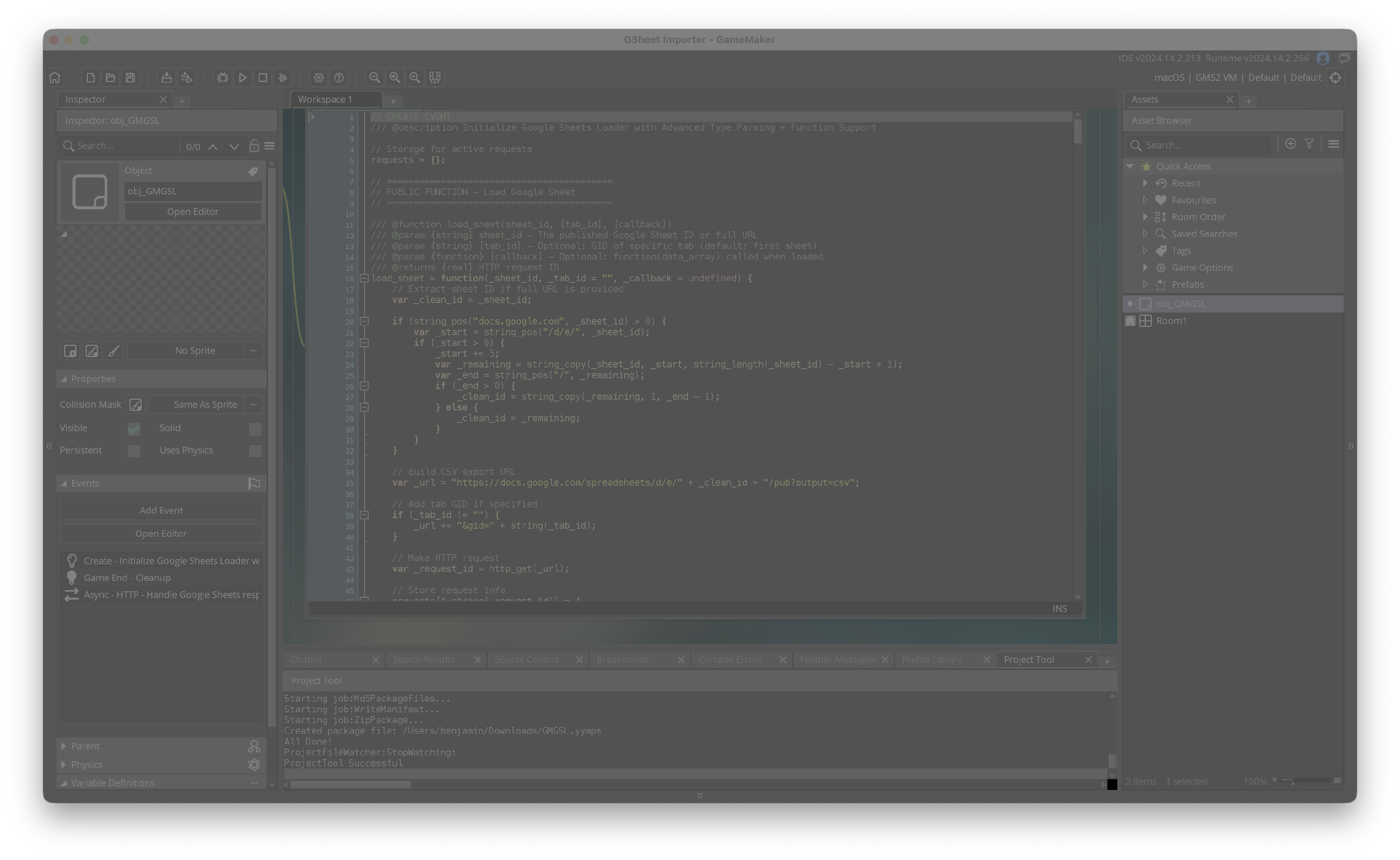
obj_GMGSL.load_sheet("YOUR_SHEET_ID", "", function(data) {
    global.items = data;     // ← done!
});
Perfect for: items, enemies, levels, dialogue, localization, balancing, live events, non-programmer content updates...
Installation
- Download
GMGSL.yympsfrom Releases - GameMaker → Tools → Import Local Package
- Select file → choose obj_GMGSL → Import
- Drag obj_GMGSL into any room (persistent object)
Important – Google Sheet publishing:
File → Share → Publish to web → Web page (NOT CSV!)
Copy the Sheet ID from the published link
Quick Start Example
| name | price | description |
|---|---|---|
| Sword | 100 | A sharp blade |
| Shield | 50 | Protects from harm |
| Potion | 25 | Restores health |
obj_GMGSL.load_sheet("YOUR_SHEET_ID", "", function(data) {
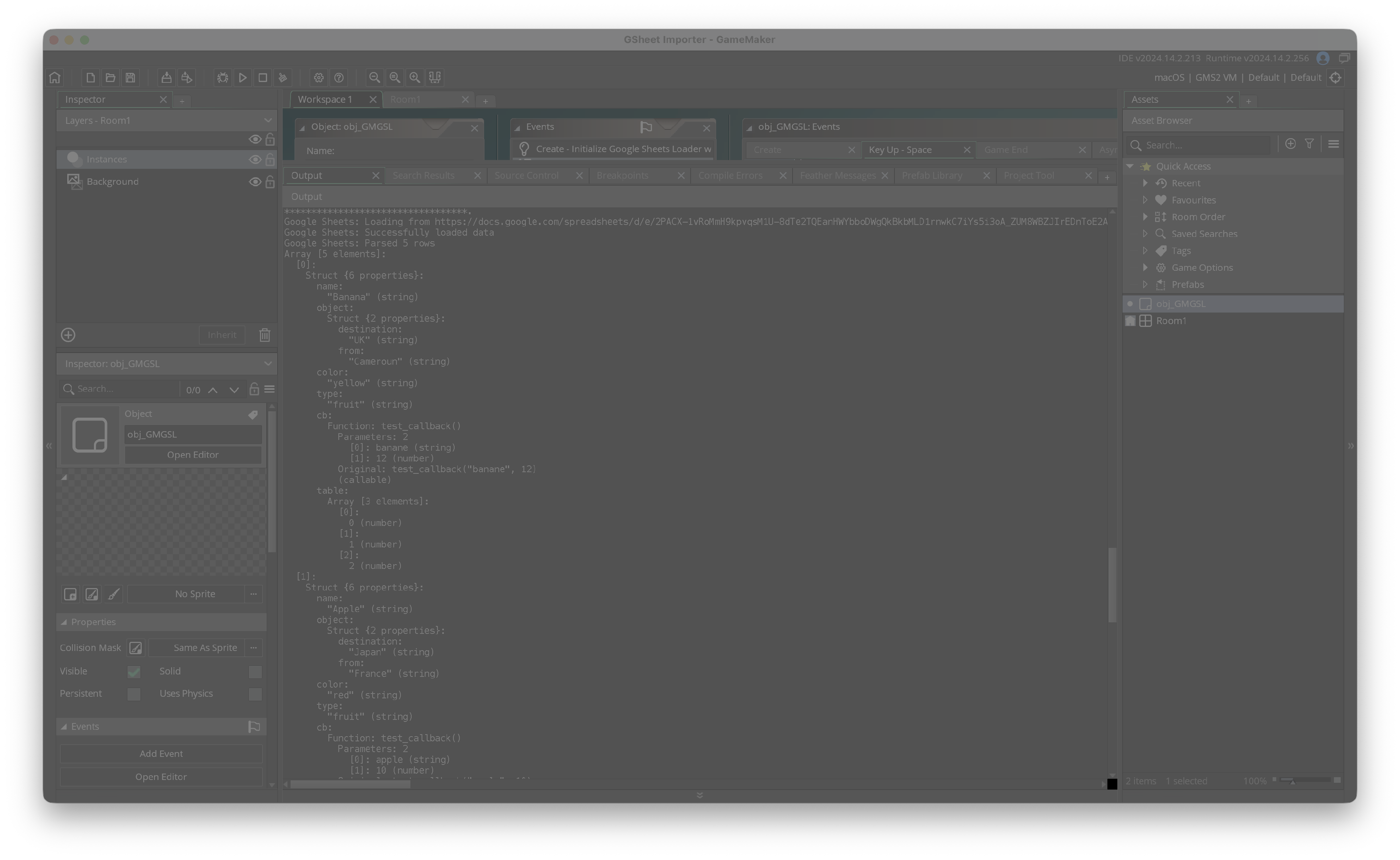
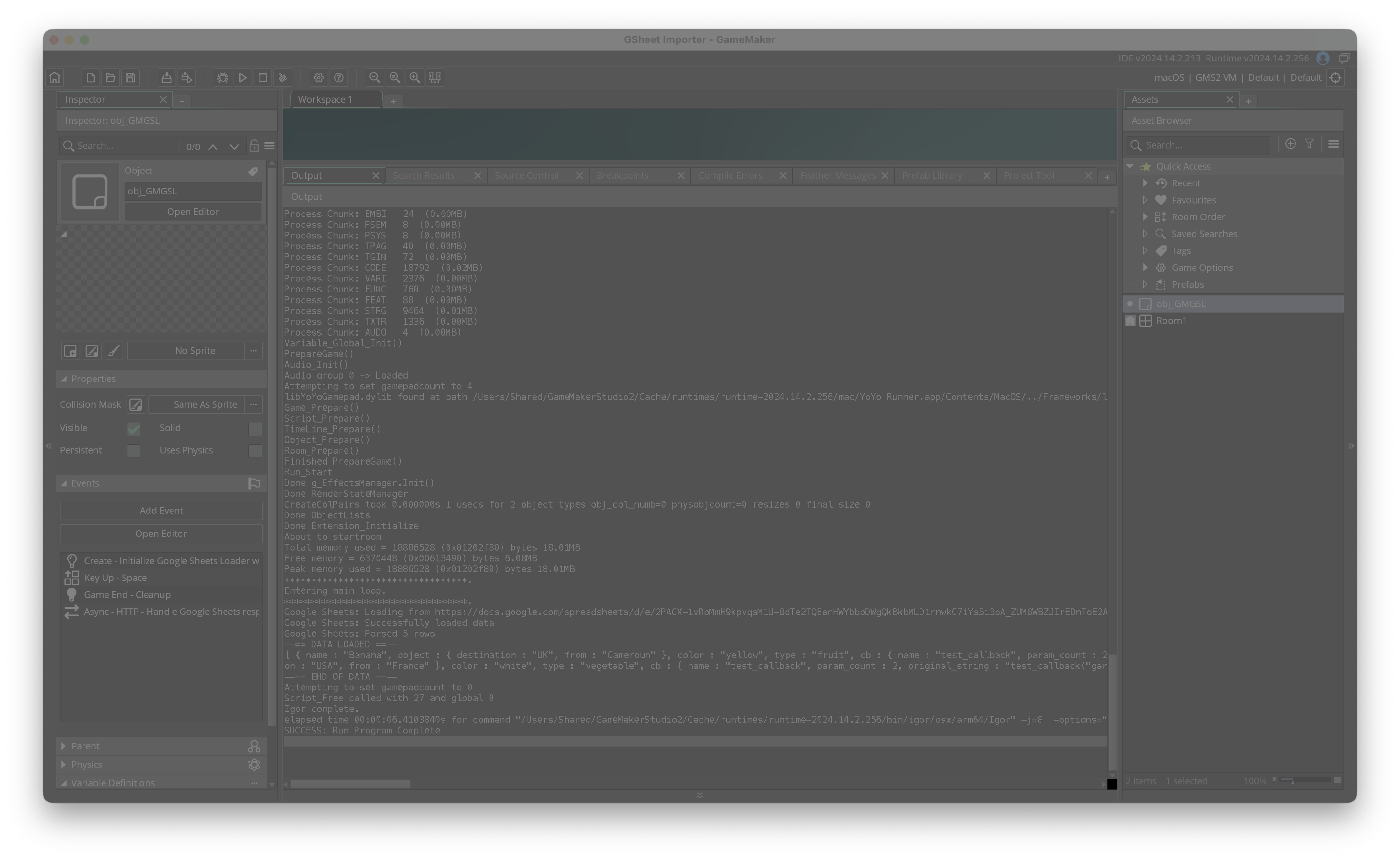
    _gmgsl_debug_sheet_data_compact(data); // quick visual check

    for (var i = 0; i < array_length(data); i++) {
        var item = data[i];
        show_debug_message(item.name + " costs " + string(item.price) + " gold");
    }
});
Basic Usage
// Whole first sheet
obj_GMGSL.load_sheet("YOUR_SHEET_ID", "", function(data) { ... });
// Specific tab
obj_GMGSL.load_sheet("YOUR_SHEET_ID", "123456789", function(data) { ... });
Executable Functions (very powerful!)
| name | callback |
|---|---|
| Banana | on_collect("banana", 12) |
| SpeedUp | activate_powerup("speed", 5) |
if (_gmgsl_is_function_object(item.callback)) {
    item.callback.call();                 // run with original params
    // or override:
    item.callback.call(["cherry", 999]);
}
Supports up to 8 parameters.
For more → pass struct/array as one parameter.
Debug & Utility Functions
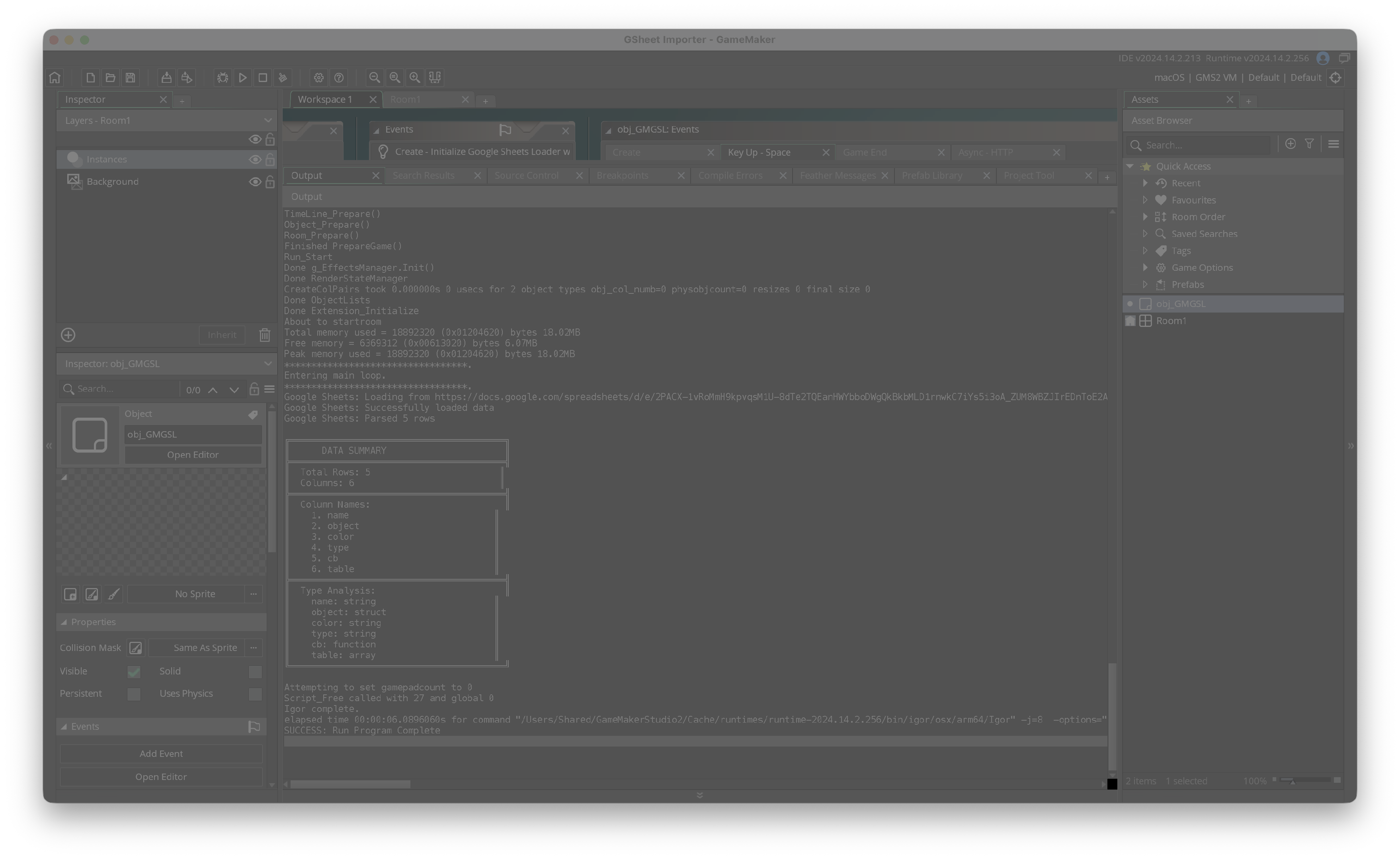
_gmgsl_debug_sheet_data(data)— detailed + types_gmgsl_debug_sheet_data_compact(data)— compact view_gmgsl_debug_sheet_data_summary(data)— column types_gmgsl_debug_call_all_functions(data)— run all callbacks_gmgsl_is_function_object(value)— check function object
Supported Data Types
| Type | CSV example | GameMaker result |
|---|---|---|
| String | Banana or "Hello World" | string |
| Number | 42 or 3.14 or -9 | real |
| Array | [1,2,3] or ["fire","ice"] | array |
| Struct | {hp:100, name:"goblin"} | struct |
| Function | heal_player(30) | function object with .call() |
Troubleshooting
"Function not found" → create functions as Script assets
Data not loading → must publish as Web page, never CSV
Tips & Best Practices
- Use simple lowercase column names (
item_name,base_price) - Validate data after loading
- Store result in global variables
- Load during game start / loading screen
- Keep backup of sheet structure
Made with ❤️ for the GameMaker community
MIT License — free to use in any project
Note about GenAI: Claude was used to solve a small bug I encountered at the end of the development. The rest was handmade developed.
Download
Leave a comment
Log in with itch.io to leave a comment.